01 — your head-end
Every transponder and channel, live
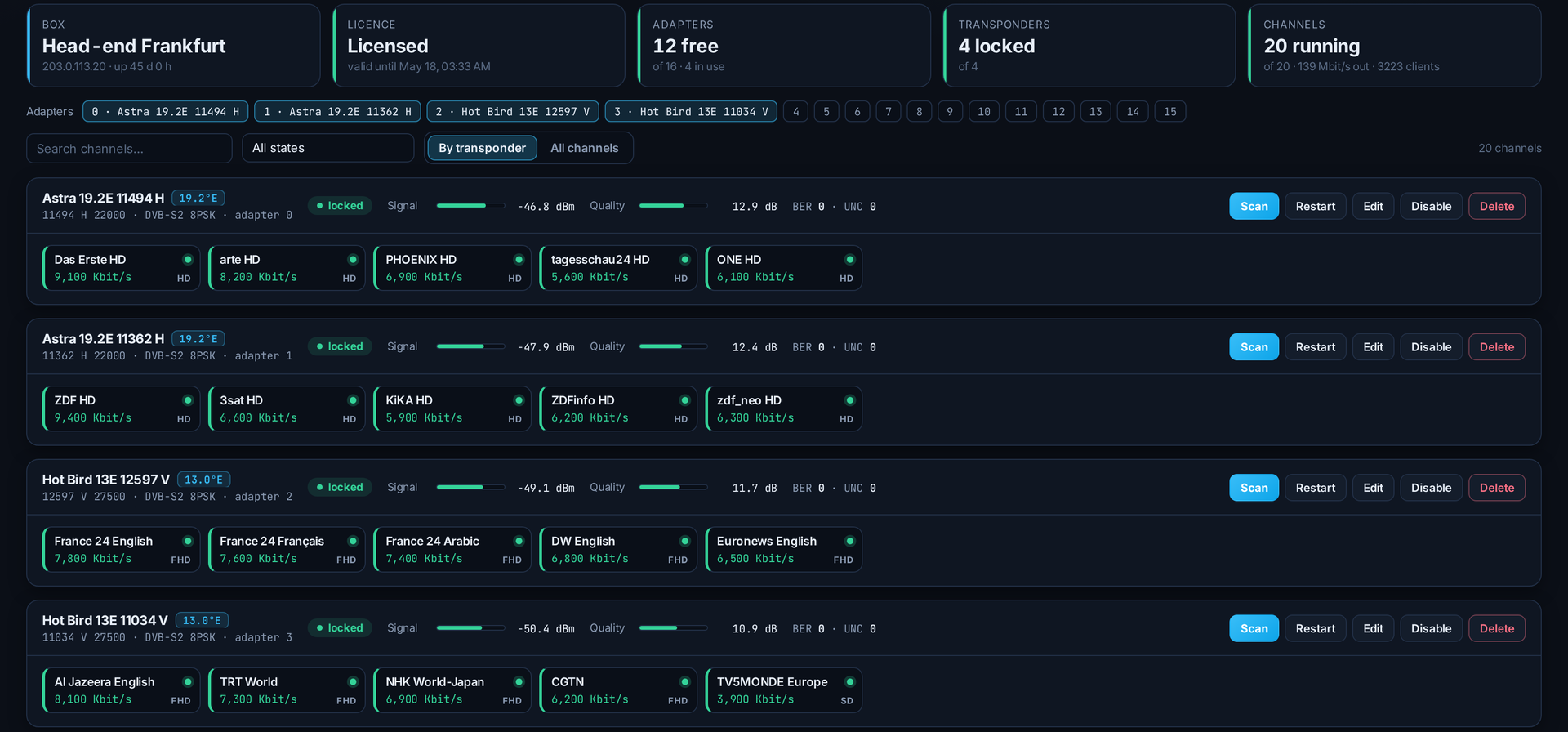
See each transponder with its signal and quality, and every channel running on it with its bitrate — all on one page.
dvb-s
dvb-s2
live signal
SolusTV / DVB Satellite
New in V2 · DVB SatellitePut DVB tuner cards in one of your streaming servers and the panel becomes your head-end — no separate software. Tune your transponders, pick the channels you want, and use them as sources for your streams.
01 — your head-end
See each transponder with its signal and quality, and every channel running on it with its bitrate — all on one page.
02 — each channel
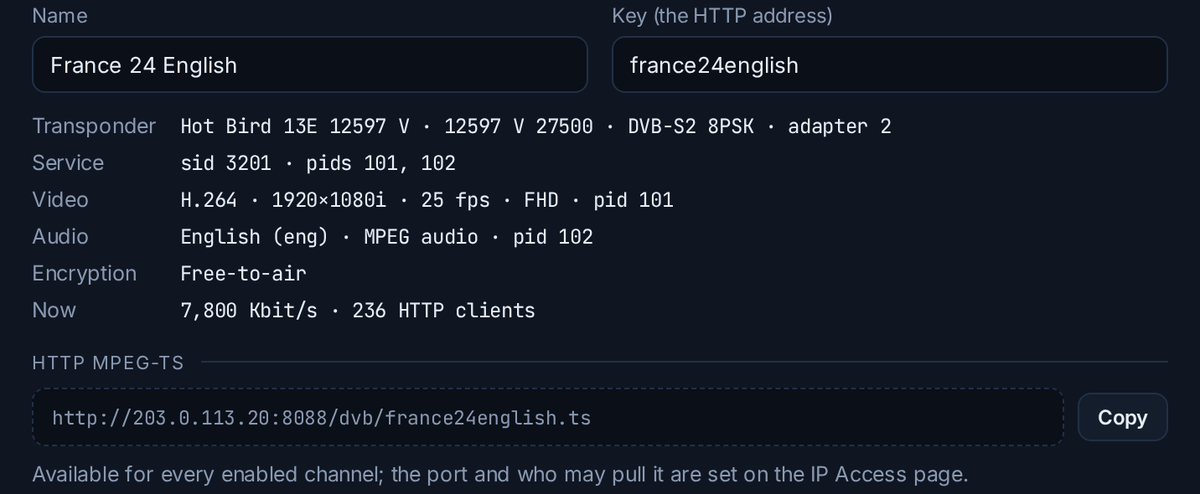
Codec, resolution, frame rate and audio language are read from the stream itself. Each channel gets its own stream address, ready to paste as a source.
03 — scan and pick
Add a transponder, scan it in a few seconds, and tick the channels you want. They can run all the time, or only while someone is watching.
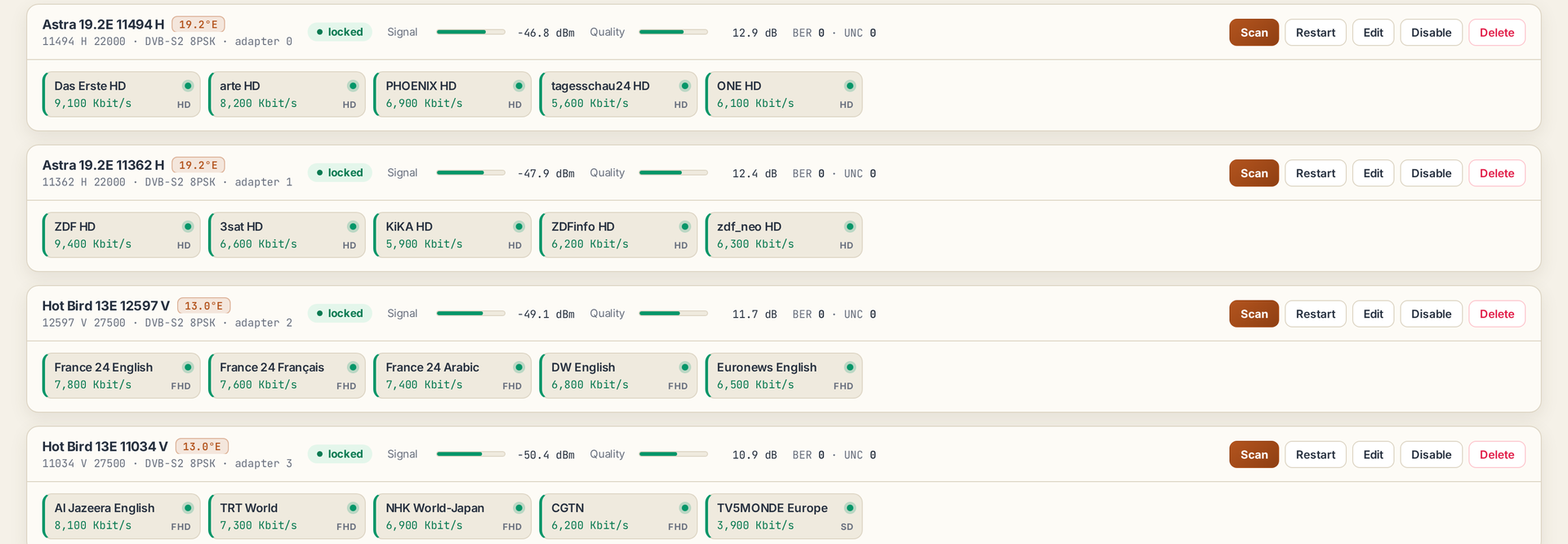
When the panel finds tuner cards in a server, it sets up its satellite service by itself. From then on it's three steps: add a transponder, scan it, and pick your channels.
Every tuner is found by itself, and one tuner failing never touches the others.
A scan lists a transponder's channels in seconds, while the other tuners keep streaming.
Each channel is an HTTP MPEG-TS address, or a UDP / RTP push, unicast or multicast.
Boxes with 16, 20 and 24 tuners are running in production today.
A main server or load balancer of your panel on Ubuntu 20.04 or newer, with DVB-S / S2 tuner cards and their Linux driver. Proven on Digital Devices and TBS class cards.
DVB Satellite comes with the paid licence.
Tell us about your tuner cards and your line-up, and we'll tell you what to expect.